
 By Maxmulsoft
2026-05-02 12:44:17
Comments
(0)
638
By Maxmulsoft
2026-05-02 12:44:17
Comments
(0)
638
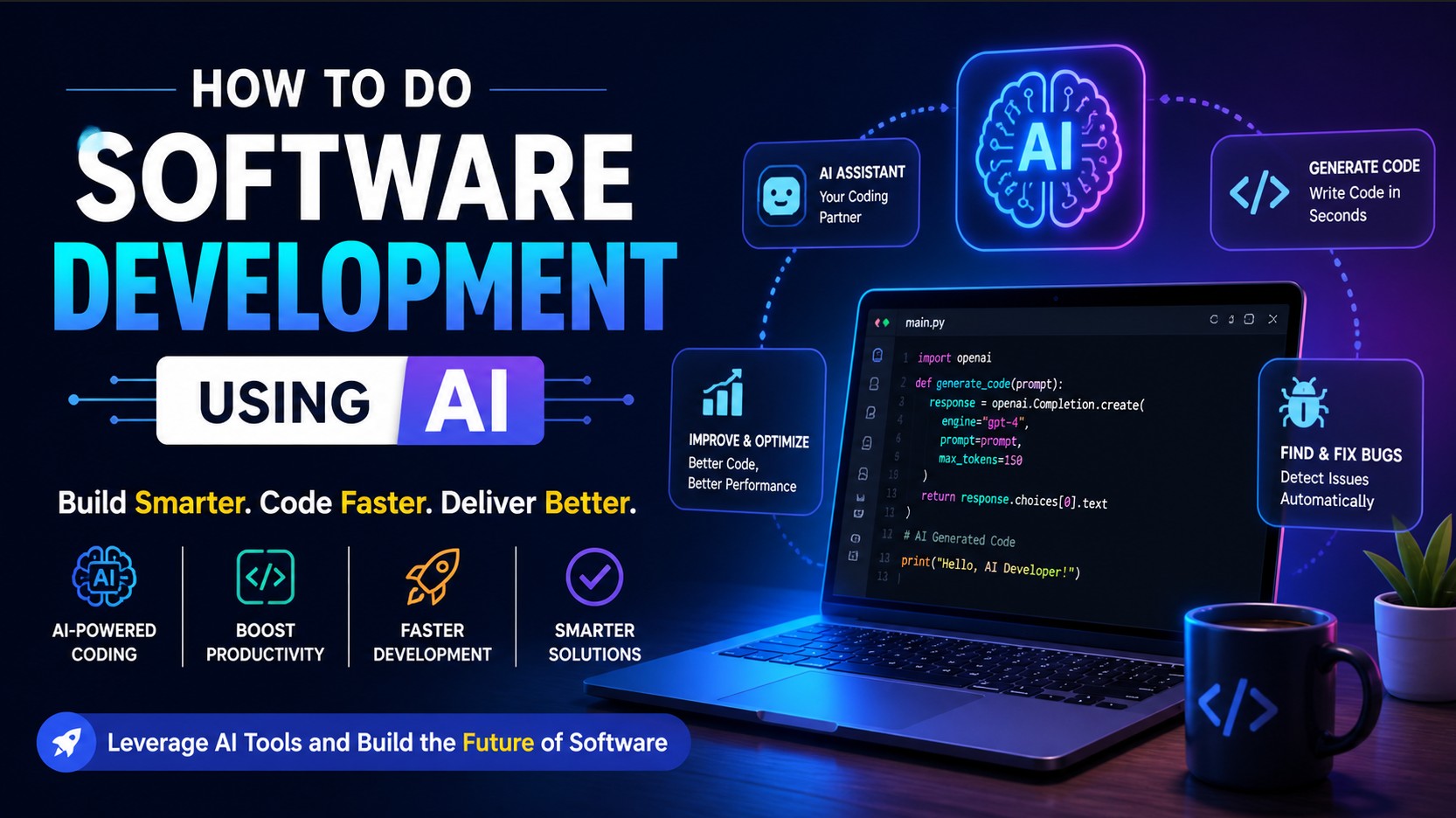
How to Do Software Development Using AI (Complete Guide)
Introduction
Artificial Intelligence (AI) is transforming the way software is built. What once required large teams, long hours of coding, and deep technical expertise can now be accelerated using AI-powered tools. Today, developers, entrepreneurs, and even beginners can create applications faster, smarter, and more efficiently.
In this blog, you will learn how to use AI for software development step by step, including tools, workflows, benefits, and practical strategies.
What is AI in Software Development?
AI in software development refers to using artificial intelligence tools to assist in writing code, debugging, testing, designing, and deploying software applications.
Instead of writing everything manually, developers can now:
- Generate code automatically
- Fix bugs instantly
- Create UI designs
- Automate testing
- Optimize performance
AI acts like a smart assistant that improves productivity and reduces development time.
Benefits of Using AI in Development
1. Faster Development
AI tools can generate code in seconds, saving hours of manual work.
2. Reduced Errors
AI helps identify bugs and suggests fixes instantly.
3. Beginner Friendly
Even non-programmers can build basic applications using AI tools.
4. Cost Efficient
Less need for large development teams reduces overall cost.
5. Automation
Repetitive tasks like testing and documentation can be automated.
Step-by-Step Guide to AI-Based Software Development
Step 1: Define Your Idea
Start with a clear idea of what you want to build:
- Website
- Mobile App
- MLM Software
- E-commerce Platform
Write down features and goals.
Step 2: Choose the Right AI Tools
Some popular AI tools include:
- ChatGPT – Code generation and logic building
- GitHub Copilot – Auto code suggestions
- Replit AI – Online coding assistant
- Figma AI – UI/UX design
- Firebase AI – Backend and database
Step 3: Design UI with AI
Use AI tools like Figma to design your interface:
- Generate layouts
- Create responsive designs
- Build user-friendly UI
Step 4: Generate Code Using AI
You can ask AI to generate code like:
- HTML, CSS, JavaScript
- React, Angular
- Python, PHP, Node.js
Example prompt: "Create a login page using HTML, CSS, and JavaScript"
Step 5: Backend Development
Use AI to build backend systems:
- APIs
- Database structure
- Authentication system
Technologies:
- Node.js
- Django
- Laravel
Step 6: Testing with AI
AI can automate testing:
- Unit testing
- Bug detection
- Performance testing
Step 7: Deployment
Deploy your project using:
- Vercel
- Netlify
- AWS
- Firebase Hosting
Real Example: Building an MLM Software with AI
You can build MLM software using AI by:
- Generating referral system logic
- Creating dashboard UI
- Managing users and commissions
- Automating reports
AI can help generate:
- Binary plan logic
- Wallet system
- Income reports
Best Practices
- Always review AI-generated code
- Learn basic programming concepts
- Use version control (Git)
- Focus on security
- Test before deployment
Challenges of AI in Development
- AI may generate incorrect code
- Security risks if not reviewed
- Over-dependence on tools
Future of AI in Software Development
AI will continue to grow and may:
- Build full applications automatically
- Replace repetitive coding jobs
- Make development accessible to everyone
Conclusion
AI is not replacing developers—it is empowering them. Whether you are a beginner or an experienced developer, AI can significantly improve your workflow.
If used correctly, AI can help you build powerful software faster, cheaper, and smarter.
Start learning AI tools today and transform your development journey.