
 By Maxmulsoft
2026-06-27 12:00:13
Comments
(0)
358
By Maxmulsoft
2026-06-27 12:00:13
Comments
(0)
358
Tailwind CSS: The Complete Guide to Building Modern, Responsive Websites (2026)
Introduction
Modern web development has evolved significantly over the past few years, and developers are constantly searching for tools that help them build faster, cleaner, and more maintainable websites. One framework that has transformed frontend development is Tailwind CSS.
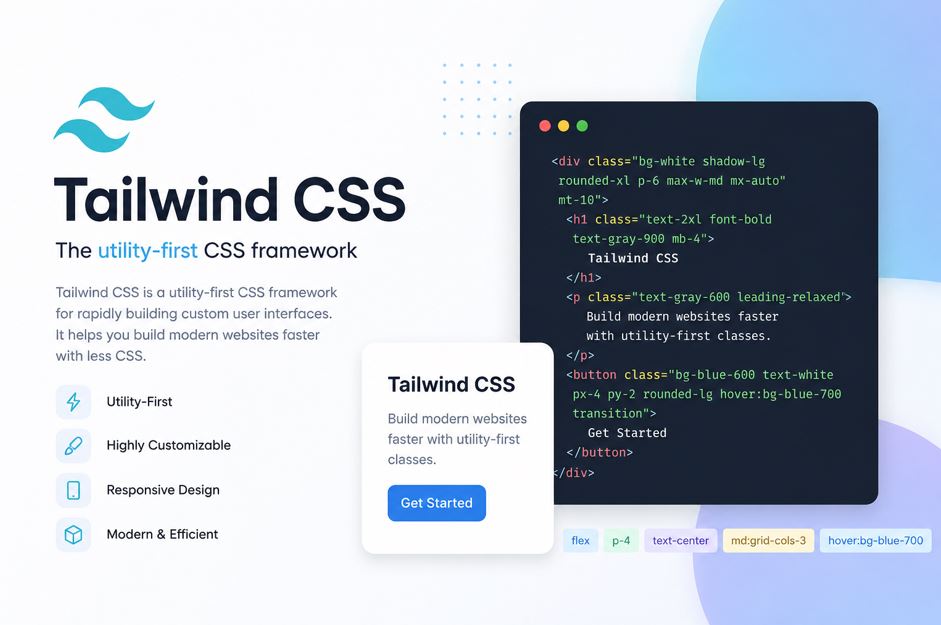
Unlike traditional CSS frameworks that provide pre-designed UI components, Tailwind CSS follows a utility-first approach, allowing developers to create completely custom user interfaces using small, reusable utility classes.
Whether you're building a portfolio website, an eCommerce platform, a SaaS dashboard, or a large enterprise application, Tailwind CSS offers the flexibility, speed, and scalability needed for modern projects.
In this guide, you'll learn everything about Tailwind CSS—from its core concepts and installation to advanced features and best practices.
What is Tailwind CSS?
Tailwind CSS is an open-source CSS framework designed to simplify frontend development by providing low-level utility classes. Instead of writing custom CSS for every element, developers combine utility classes directly in HTML to style components.
For example, rather than creating a custom CSS class for a button, you can apply utility classes such as spacing, colors, typography, borders, and shadows directly in your markup.
This approach results in:
- Faster development
- Consistent design
- Cleaner CSS
- Easier maintenance
- Better scalability
Why Choose Tailwind CSS?
Many developers prefer Tailwind CSS because it offers complete design freedom without forcing predefined component styles.
Key Benefits
1. Faster Development
Tailwind reduces the need to switch constantly between HTML and CSS files. Developers can style components directly in the markup, significantly speeding up development.
2. Utility-First Approach
Instead of creating hundreds of custom CSS classes, Tailwind provides utility classes for nearly every CSS property.